
Send a WhatsApp Template via cURL
Overview
This guide explains how to send a WhatsApp template from the Rampwin platform via cURL request.
Step 1: Open Settings
Navigate to:
https://app.rampwin.com/settings/channels
Step 2: Open Template Management
Click on Manage Templates for the desired WhatsApp channel.
Step 3: Select the Template
Locate the template for which you want to generate the cURL.
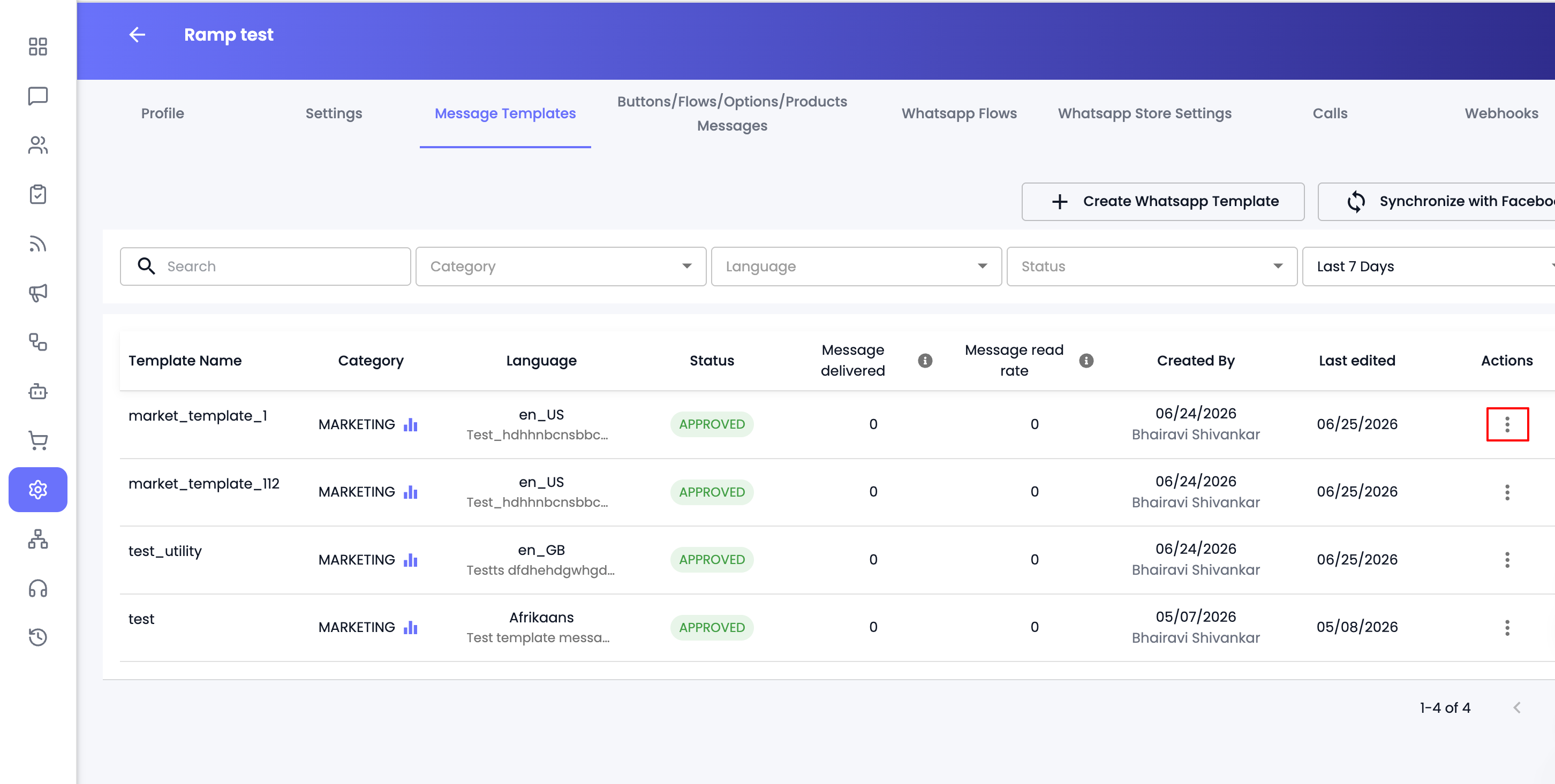
Click the three-dot (⋮) Actions menu on the right side of the template.
Step 4: Click Copy Template cURL
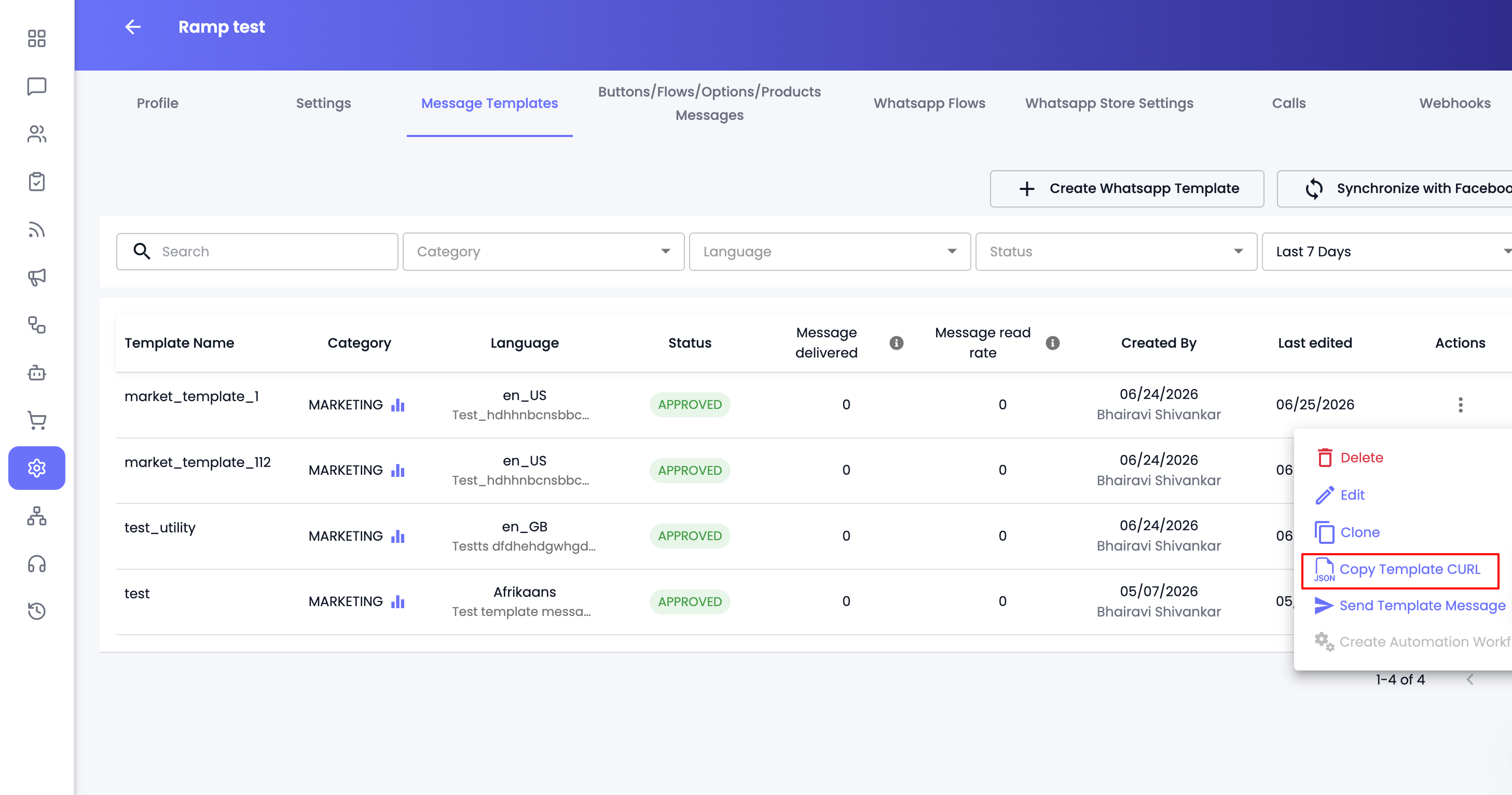
From the Actions menu, select Copy Template cURL.
This will automatically copy the complete cURL request to your clipboard.
Step 5: Use the Generated cURL
Paste the copied cURL into your preferred API client such as Postman and execute the request.
After successful submission, your template will be sent on your provided number.
Notes
- The template must already exist in your WhatsApp channel.
- Copy Template cURL generates the complete API request based on the selected template.
- You can use the generated cURL for testing, integration, or automation purposes.